
How to play Turbo Dash
- 1
Drive left and right. Your wheels grip the floor, the curved walls and the ceiling while you have speed.
- 2
Jump, then press jump again in the air. With the stick tilted, the second jump becomes a flip that hits the ball much harder.
- 3
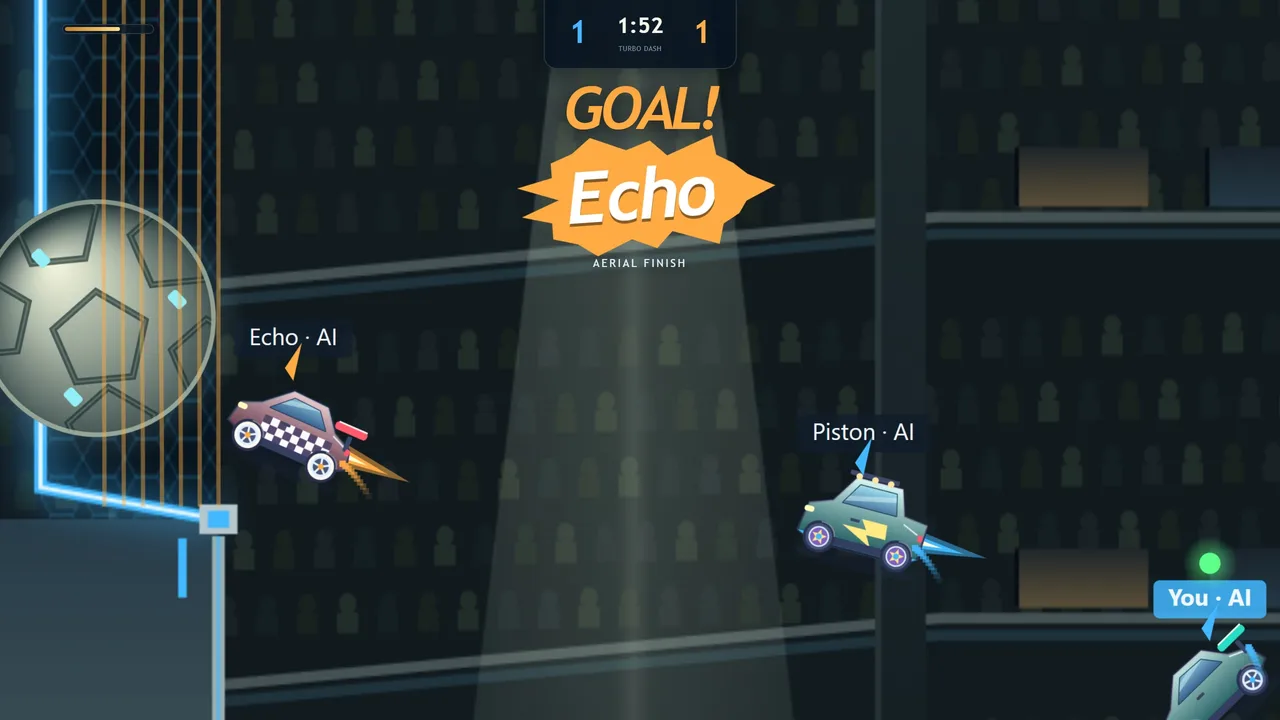
Boost pushes the car where its nose points, so you can fly to a ball in the air. Boost refills by itself.
- 4
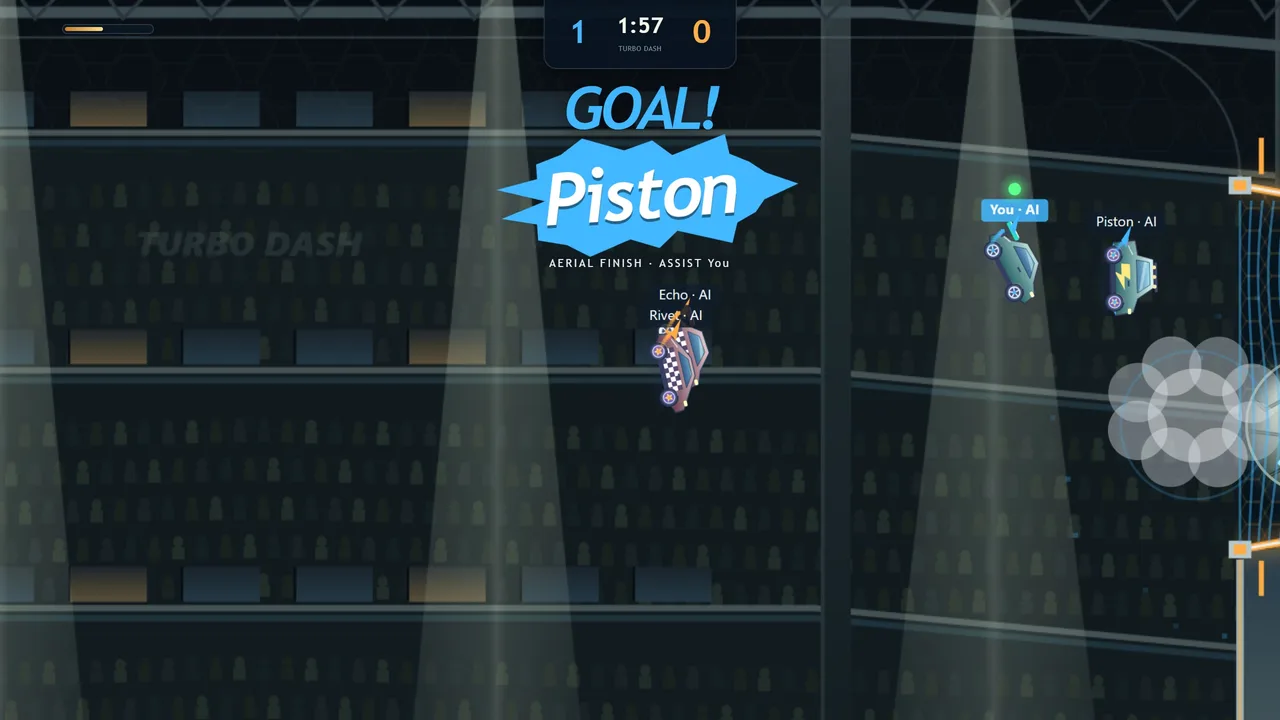
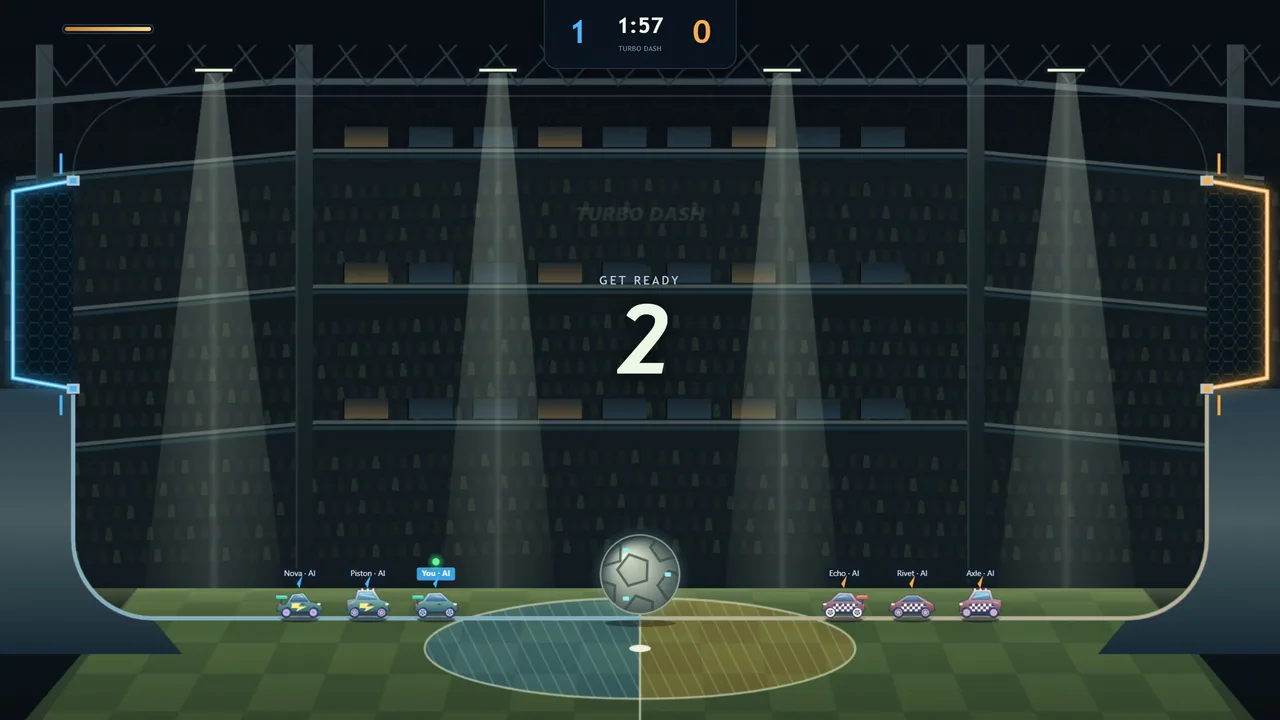
Put the ball in the other team's goal. A match lasts 1, 2, 3 or 5 minutes, a ball still in the air at zero plays on, and a tie goes to golden goal.
Ways to play
- Duel
- 1v1. Every touch is yours.
- Doubles
- 2v2. Bots fill empty seats, and a bot takes over if someone drops.
- Hot Ball
- 1v1 where every hit turns up the heat.
- Free play
- No clock: practise shots on your own.
- Flight School
- Six short steps from driving to your first aerial.
The host can also turn on unlimited boost or low gravity, and choose between three playgrounds: Sunny Shores, Peach Canyon and Cloud City.
The garage
Four car bodies, Kestrel, Manta, Nomad and Vector, all free and all with exactly the same handling. Paints, decals, wheels, boost trails and toppers are unlocked with coins earned in matches. Everything in the garage is looks only.
After each match you see goals, assists, saves and shots, and the MVP.
Tips
- Flip into the ball instead of driving into it: a flip hits much harder.
- Go up the wall to meet a high ball rather than waiting under it.
- In Doubles, don't both chase the ball. One goes, one covers the goal.
Turbo Dash questions
- Is Turbo Dash free?
- Yes. It's free in the browser with no adverts inside the game, and every car unlock is bought with coins earned by playing.
- Can I play Turbo Dash alone?
- Yes: against bots at three levels, in free play, or in Flight School.
- Can two people play on one computer?
- Yes. The second player uses the arrow keys, Enter and Right Shift.
- Does it work with a controller?
- Yes, any standard gamepad the browser can see.
- Can I play Turbo Dash on my phone?
- Yes. Turbo Dash runs in your phone's browser with nothing to install, on Android and iPhone. Turn the phone sideways to play. It has on-screen touch controls, and plays with a keyboard on a computer too. Friends can join the same room from their own phones, tablets or computers.